

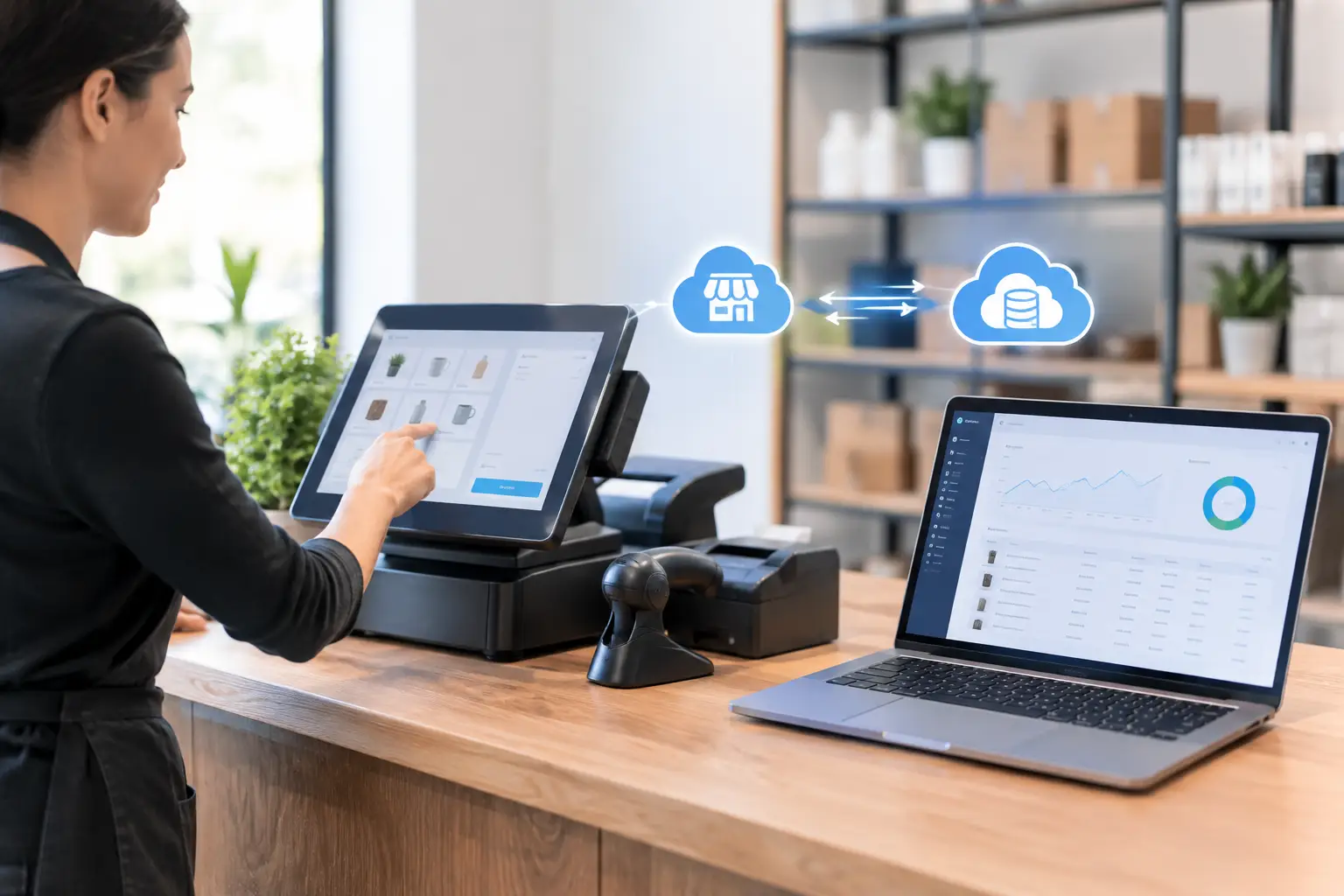
POS and ERP Synchronization for Growing SMEs
A busy sales counter can create more accounting work than revenue visibility. When store transactions, online orders, returns, discounts, and payment records sit separately from finance and inventory data, teams spend hours rebuilding what should already be clear. POS and ERP synchronization connects those events to the wider business record, so sales activity can update stock, receivables, tax reporting, and management reporting without repeated manual entry.
For growing SMEs, this is not simply an IT integration project. It is an operating-control decision. The quality of data moving from the point of sale into the ERP affects stock accuracy, cash reconciliation, margin analysis, audit trails, and the speed of month-end closing.
What POS and ERP synchronization actually does
A point-of-sale system records the customer-facing transaction: items sold, quantities, prices, discounts, payment method, cashier, outlet, and time of sale. An ERP system manages the wider financial and operational record, including the general ledger, inventory, purchasing, customer accounts, taxes, and reporting.
Synchronization defines how and when data moves between these systems. At a minimum, each completed sale should be reflected in the relevant inventory and financial records. More advanced configurations also synchronize product catalogs, price lists, promotions, customer details, loyalty information, gift vouchers, purchase orders, inter-outlet transfers, and returns.
The goal is not to copy every field indiscriminately. The goal is to create one controlled version of operational truth. A finance manager should not need to compare daily POS exports against spreadsheets before posting sales. An inventory controller should not discover a stock issue only after a customer order cannot be fulfilled.
Why disconnected systems create operational risk
Manual imports may work while transaction volume is low, but the risk grows quickly as a business adds outlets, sales channels, products, or warehouse locations. A single missing file, duplicated upload, or incorrect mapping can distort both inventory and financial results.
The practical impact often appears in four areas:
- Stock accuracy: Sales may reduce stock in the POS but not in the ERP, leaving purchasing and warehouse teams with unreliable availability figures.
- Financial reconciliation: Card payments, cash takings, refunds, service charges, and delivery-platform settlements may require manual matching before finance can close the day.
- Margin reporting: Discounts, promotions, and returns can be recorded inconsistently, making category, outlet, or item profitability harder to trust.
- Compliance and traceability: When the source transaction and accounting entry cannot be traced clearly, responding to audit questions, tax reviews, or invoicing requirements becomes slower.
These problems are especially costly because they are rarely isolated. A wrong stock balance influences replenishment decisions. A delayed sales posting affects cash forecasts. A poorly classified tax amount creates additional review work during reporting periods.
The business outcomes to expect
Well-designed POS and ERP synchronization gives operations and finance teams access to the same underlying transaction data. That creates real-time visibility without forcing every department to work inside the same screen or process sales in the same way.
For finance, the strongest benefit is controlled posting. Sales can be mapped to the correct revenue accounts, payment types can be mapped to clearing accounts, and taxes can be captured consistently. This reduces repetitive journal preparation and supports faster reconciliation of POS totals against bank deposits and payment provider settlements.
For inventory teams, every sale, return, and void can update stock movement records based on defined business rules. This improves reorder planning, supports stock counts, and makes it easier to identify variances by outlet, warehouse, or product group. Businesses with multiple locations also gain a clearer view of whether stock is genuinely available or merely recorded somewhere else.
For management, synchronized data shortens the gap between trading activity and decision-making. Leaders can review sales performance, top-selling items, discount patterns, stock movement, and gross margin with greater confidence. The value is not that every report is instant. It is that reports are based on structured records rather than a collection of manually reconciled files.
Decide what should synchronize and when
Not every POS and ERP connection should operate in exactly the same way. A retailer with high transaction volume may need near-real-time inventory updates, while a business with stable daily sales may use scheduled posting intervals. The right design depends on transaction volume, operational urgency, internet reliability, number of outlets, and the consequences of stock being temporarily out of date.
Product and price data usually need clear ownership. If the ERP is the master record for items, units of measure, tax codes, and cost information, the POS should receive approved product updates from the ERP. If outlet teams need local promotional flexibility, that should be governed through defined price lists or promotion rules rather than ad hoc item changes at the counter.
Sales posting also needs careful aggregation rules. Posting every individual transaction into the general ledger can provide maximum detail, but it may create unnecessary volume. Posting summarized daily totals can be more efficient, provided the system retains a reliable transaction-level audit trail for investigation, returns, and reconciliation.
Returns deserve particular attention. A return should not be treated as merely negative sales. The system must reflect whether stock was received back, whether it can be resold, how the refund was paid, and whether the original sale included discounts or tax. These decisions affect inventory valuation, revenue reporting, and customer service.
Build controls before connecting systems
Synchronization improves speed, but speed without control can spread errors faster. Before implementation, teams should agree on master-data standards, posting rules, exception handling, and responsibilities across sales, operations, inventory, and finance.
Start with a practical data review. Remove duplicate item codes, confirm units of measure, standardize tax treatment, and define product categories that support useful reporting. If an item is called one thing in the POS and another in the inventory record, automated matching will remain unreliable regardless of the integration quality.
Then define the exception process. What happens if a transaction fails to transfer? Who reviews a price mismatch? How are offline sales handled when an outlet loses connectivity? How are voids, canceled orders, deposits, split payments, and partial refunds recorded? A good implementation does not assume exceptions will disappear. It makes them visible and assignable.
Role-based access matters as well. Cashiers, store supervisors, finance users, and system administrators should not all have the same ability to edit prices, void transactions, adjust stock, or change accounting mappings. Clear permissions support internal control and make audit trails more meaningful.
POS and ERP synchronization for compliance-ready growth
For businesses operating in Singapore, the synchronization design should support accurate GST treatment and a traceable invoicing process. Sales records, customer details, tax codes, and invoice information should be structured so that teams do not need to recreate data when formal documentation is required.
InvoiceNow readiness adds a further reason to avoid disconnected workflows. Where business transactions require electronic invoicing, having sales and finance data organized within the ERP can reduce rekeying and improve document consistency. The exact process depends on whether a transaction is a retail receipt, a business invoice, a deposit, or a credit note, but the principle remains the same: data should be created once, validated through defined rules, and available for the correct downstream document.
This is also where an integrated platform can reduce ERP adoption cost over time. Instead of maintaining separate spreadsheets, manual exports, and custom workarounds between sales, inventory, and accounting, SMEs can establish controlled workflows that continue to support new outlets, additional products, and higher transaction volumes.
A practical implementation path
The most reliable projects begin with one operating scenario rather than every possible process. For example, a business may first synchronize standard retail sales, card and cash payments, and stock reductions for one outlet. Once daily reconciliation and exception handling are stable, it can add returns, promotions, transfers, e-commerce orders, or additional locations.
Testing should use realistic transactions, not only clean sample data. Include discounted sales, mixed tax treatments, split payments, refunded items, stock adjustments, and end-of-day cash differences. Finance should verify the resulting journal entries and settlement reports, while operations should confirm stock movement and outlet usability.
After go-live, review the first few closing cycles closely. Measure unresolved synchronization errors, reconciliation time, stock variances, and manual journals caused by POS activity. These indicators show whether the process is delivering control, not just whether data is moving between systems.
A2000ERP supports SMEs that need sales, inventory, finance, and compliance processes to operate as one structured workflow. The strongest result comes when the system design reflects how the business actually sells, fulfills, reconciles, and reports.
The right synchronization approach should make the daily close less dependent on heroic spreadsheet work. When each sale produces a trusted operational and financial record, teams can spend less time proving what happened and more time deciding what to do next.