

Cloud ERP vs On Premise: What Fits Best?
A finance team closing the month in spreadsheets, while sales, purchasing, and warehouse data sit in separate systems, usually reaches the same question sooner or later: cloud ERP vs on premise. It is not just an IT decision. It affects reporting speed, stock accuracy, audit trails, security responsibility, and how easily your business can support growth without adding more manual work.
For small and midsize businesses, the right answer depends less on ideology and more on operating reality. How many locations do you manage? How quickly do your processes change? How much internal IT support do you actually have? And how important is it to keep compliance requirements, invoice workflows, and approvals current without disruptive upgrade cycles?
Cloud ERP vs on premise: the real difference
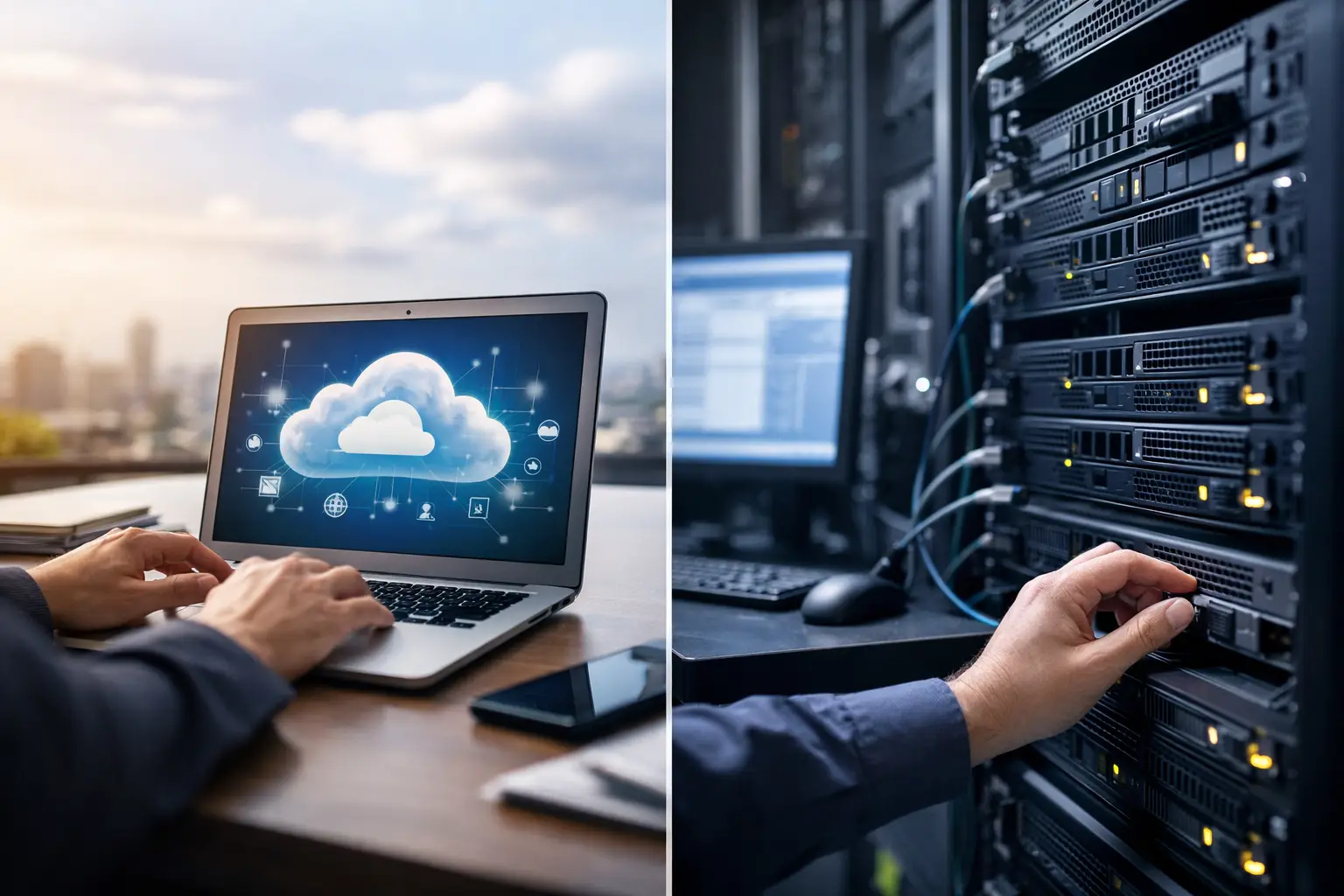
At a basic level, cloud ERP is delivered as software you access online, typically through a subscription model. The vendor manages the infrastructure, updates, availability, and much of the security administration. Your team uses the system through a browser or app, whether they are in the office, warehouse, retail outlet, or working remotely.
On-premise ERP is installed on servers your business owns or manages. Your organization is usually responsible for infrastructure, backups, patching, upgrade planning, and internal access controls. Some businesses prefer this model because it gives them a stronger sense of physical control over the environment.
That difference sounds technical, but the business impact is practical. Cloud usually shifts ERP from a capital-heavy system into an operating expense and reduces the burden on internal IT. On premise can offer more direct control over infrastructure, but it also places more responsibility on your team to maintain performance, continuity, and security.
Why growing SMEs are rethinking on-premise systems
The old argument for on premise was straightforward: keep systems in-house, customize heavily, and manage everything internally. That model made sense when internet access was less reliable, remote work was rare, and many businesses expected ERP to stay relatively static for years.
That is not how most growth-stage companies operate now. Finance teams need faster month-end closing. Procurement needs better approval visibility. Inventory teams need real-time stock movement. Sales needs current pricing and fulfillment data. Leadership wants one view of the business, not five spreadsheets with different answers.
In that environment, cloud ERP often becomes attractive because it supports real-time visibility across functions without requiring every office, branch, or warehouse to rely on local infrastructure. It also makes it easier to standardize workflows across teams that are no longer working from one central location.
Cost is not just license price
Many businesses compare cloud ERP vs on premise by looking only at subscription fees versus software ownership. That misses the actual cost picture.
On-premise ERP may appear less expensive over a long horizon if you focus narrowly on licenses. But once you include servers, maintenance, backups, downtime risk, upgrade projects, security monitoring, and internal IT time, the economics often shift. Customizations can also become expensive over time, especially when each major update turns into a separate technical project.
Cloud ERP usually starts with a clearer cost structure. Subscription pricing can be easier to forecast, and infrastructure costs are built into the service. That matters for SMEs that want to reduce ERP adoption cost and avoid large upfront spending before operational benefits appear.
The trade-off is that cloud costs continue as an ongoing subscription. If your business strongly prefers capital investment over recurring operating expense, on premise may still feel more aligned. But for many SMEs, predictable monthly cost is easier to manage than periodic infrastructure replacement and upgrade spending.
Security and control: what decision-makers often get wrong
Security is one of the most emotional parts of this decision. Some leaders still assume on premise is automatically safer because the servers are closer to them. In reality, security depends on process, expertise, monitoring, patch discipline, access governance, and recovery planning.
If your business has a strong internal IT team, strict security controls, and the resources to maintain them consistently, on premise can be managed well. But many SMEs do not have dedicated specialists covering every layer of infrastructure and application security. In those cases, the question becomes whether your internal capability is truly stronger than a mature cloud delivery model.
Control matters too, but control is not the same as ownership of hardware. What most operational leaders actually want is control over approvals, user permissions, audit trails, document flow, and reporting access. A well-designed cloud ERP can provide exactly that, while reducing the need to manage the infrastructure underneath.
Cloud ERP vs on premise for compliance and process discipline
Compliance is where the decision becomes less theoretical. If your invoicing, tax handling, approvals, and financial records need to stay current with changing requirements, cloud ERP has a practical advantage. Updates can be deployed more efficiently, and businesses are less likely to remain stuck on outdated system versions because an upgrade project feels too disruptive.
That matters in environments where digital invoicing and structured transaction exchange are becoming part of normal operations. In Singapore, for example, InvoiceNow and Peppol readiness are relevant to businesses that want faster invoice processing, better traceability, and stronger alignment with digital compliance expectations. A cloud model can make it easier to stay current with those operational and regulatory requirements.
On premise is not incapable of supporting compliance. It can. But every update, patch, or enhancement depends more heavily on your own upgrade discipline and technical resources. If compliance readiness slips because updates are postponed, the cost shows up later in manual workarounds, reconciliation effort, and audit pressure.
Customization, integration, and flexibility
This is one area where on premise still has a legitimate case. Businesses with unusual workflows, legacy machinery, highly specific internal systems, or strict hosting requirements may need deeper technical customization than some cloud deployments comfortably allow.
But there is a difference between useful configuration and expensive over-customization. Many SMEs adopted highly customized systems because their original processes were not standardized. Years later, they are left with brittle workflows that only a few people understand, and every change becomes slow and risky.
Cloud ERP tends to encourage more structured processes. That can feel restrictive at first, but it often leads to better controls, cleaner data, and easier scaling. If your goal is to improve purchasing discipline, reduce invoicing errors, tighten stock traceability, and speed up reporting, standardization is often a benefit, not a limitation.
The real question is whether you need custom software behavior or simply a system that supports your business properly across finance, inventory, sales, purchasing, and operations.
Implementation reality matters more than deployment theory
A poor implementation will fail in the cloud or on premise. The deployment model does not fix weak process design, unclear ownership, or bad data migration.
That said, cloud projects often move faster because infrastructure setup is simpler. Teams can focus earlier on chart of accounts structure, approval flows, stock controls, item masters, user roles, and reporting needs. That is where ERP value is created.
For SMEs, speed matters. The faster you move from disconnected workflows to a unified process, the faster you reduce manual entries, improve reconciliation, and gain real-time visibility. A practical implementation approach often matters more than the abstract technical architecture.
This is one reason many growing businesses prefer a SaaS model with implementation support. They are not trying to build a custom technology estate. They are trying to run finance and operations with less friction.
Which model fits your business?
If your business has limited internal IT capacity, multiple users across functions, a need for mobile or remote access, and pressure to improve reporting speed and process control, cloud ERP is usually the stronger fit. It supports structured growth without making your team carry infrastructure complexity.
If you operate in a highly controlled internal environment, have the technical staff to manage security and upgrades, and require infrastructure-level control for a specific reason, on premise may still make sense. But that choice should be based on a clear operational requirement, not habit.
For most SMEs, the decision comes down to this: do you want your team spending time maintaining systems, or using systems to improve invoicing, financial control, inventory accuracy, and decision-making?
A platform such as A2000ERP reflects why cloud adoption continues to grow among operationally ambitious businesses. The value is not just online access. It is the ability to unify finance and operations, support real-time visibility, align with InvoiceNow workflows, and scale process discipline without enterprise-level complexity.
The best ERP model is the one that removes friction from your daily operations and keeps your business ready for the next stage of growth. If your current setup slows reporting, hides stock issues, or turns compliance into manual effort, that is usually a sign the decision should be made from the workflow outward, not the server room inward.
