

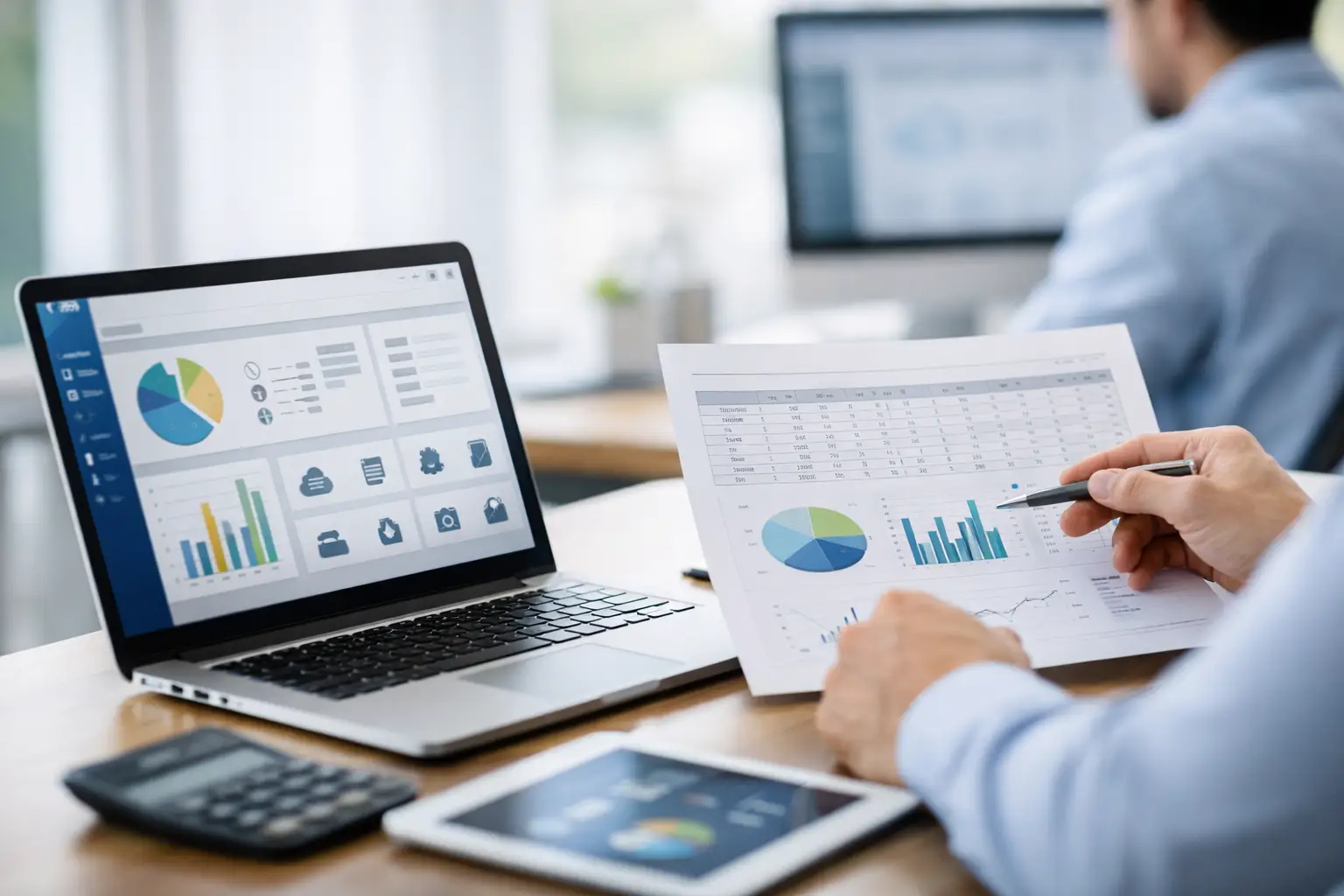
ERP Migration Guide From Spreadsheets
If your month-end close still depends on someone finding the latest spreadsheet version, the problem is no longer just admin overhead. It is control. An ERP migration guide from spreadsheets matters when finance, sales, purchasing, and inventory are all working from different files, different assumptions, and different timestamps.
Spreadsheets usually last longer than they should because they feel flexible. A finance manager can add a column in seconds. An operations lead can build a quick stock tracker without waiting for IT. In the early stage of a business, that speed is useful. The trouble starts when the same flexibility creates duplicate data, inconsistent approvals, missing audit trails, and reporting delays that affect cash flow and customer service.
That is when ERP becomes less of a software decision and more of an operating model decision. The real goal is not to replace Excel for the sake of it. The goal is to move critical workflows into a structured system that gives real-time visibility, tighter process control, and cleaner financial data.
When spreadsheets stop being enough
Most companies do not migrate because spreadsheets are bad. They migrate because spreadsheets stop supporting growth. You might see sales orders recorded in one file, purchase requests in another, and stock adjustments tracked manually by warehouse staff. Finance then has to reconcile all of it after the fact.
This creates delays that compound. Invoicing slows down because order details are incomplete. Inventory accuracy drops because stock movements are updated late. Procurement overbuys because no one trusts the numbers. Leadership loses confidence in the reports because every KPI needs manual checking before it can be shared.
There is also a compliance issue. As transaction volume increases, regulators and auditors expect cleaner records, stronger traceability, and better retention of supporting data. If your invoicing process is still driven by spreadsheets and email chains, that becomes difficult to defend. For businesses operating in Singapore, this is especially relevant when preparing for structured digital workflows such as InvoiceNow and Peppol e-invoicing.
ERP migration guide from spreadsheets: start with process, not software
A common mistake is to begin with feature comparisons before defining what the business actually needs to control. A better starting point is to identify the workflows that create the most friction or risk today.
For many SMEs, the first pressure points are accounting, invoicing, purchasing, inventory, and warehouse operations. If your team is spending hours each week reconciling sales with payments, checking stock across multiple sheets, or manually preparing invoices, those are the areas to prioritize.
At this stage, map the process as it really works, not as it is supposed to work. That distinction matters. A purchase approval process may look formal on paper but in reality be handled through chat messages and spreadsheet edits. An inventory transfer may appear documented, but staff may be adjusting balances only at the end of the day. ERP implementation goes more smoothly when these informal workarounds are surfaced early.
Clean your data before you migrate it
Bad data moved into a better system is still bad data. In fact, it can be worse because users assume system data is reliable. Before migration, review the master data that drives transactions: customers, suppliers, SKUs, pricing, tax settings, chart of accounts, units of measure, and opening balances.
This is usually where spreadsheet-driven businesses discover hidden inconsistencies. The same customer may exist under three names. Product codes may not follow any standard. Payment terms may be stored as free-text notes. If warehouse and finance teams use different item descriptions, reconciliation becomes difficult the moment the new system goes live.
Data cleanup takes time, but it directly affects reporting quality, stock accuracy, and user trust. It is also worth defining ownership. Finance should validate financial masters and balances. Operations should validate inventory and warehouse data. Sales and purchasing teams should review customer, supplier, and pricing records. Without clear ownership, cleanup gets delayed and migration quality suffers.
Decide what should move and what should stay behind
Not every spreadsheet belongs in ERP. Some files are historical archives. Some contain one-off analysis. Some are really workarounds for missing process discipline rather than true business requirements.
A practical migration approach separates operational data from reference material. Open receivables, payables, active stock items, current sales orders, and current purchase orders usually need to be migrated. Ten years of ad hoc reporting tabs probably do not. The more unnecessary data you bring over, the harder testing becomes.
This is also the right time to reduce duplication. If the same data point appears in finance, sales, and warehouse spreadsheets, decide which team should own it in ERP and how updates will flow. Structured ownership is one of the biggest gains in moving away from spreadsheets.
Build the migration around outcomes
An ERP project can become too technical too quickly. For SMEs, the better approach is to tie each migration decision to a business outcome. If your priority is faster month-end closing, then design the finance workflow first. If your biggest issue is stock inaccuracy, focus on item setup, warehouse transactions, and approval controls.
This keeps the project grounded. It also helps leaders make sensible trade-offs. You may not need every department live on day one. In some businesses, finance, sales, procurement, and inventory should go live together because they are tightly connected. In others, a phased rollout reduces operational risk. It depends on transaction complexity, team readiness, and how dependent your current processes are on manual handoffs.
Test with real scenarios, not ideal ones
Testing often fails because teams use clean examples that do not reflect day-to-day operations. Real migration testing should include edge cases: partial deliveries, price overrides, purchase returns, credit notes, stock adjustments, and invoices with tax treatment variations.
This is where users begin to trust the system. If they can see how ERP handles the messy situations that currently require spreadsheet fixes, adoption improves. If testing only covers perfect transactions, staff will go live and immediately fall back to manual files when exceptions appear.
For businesses preparing to support InvoiceNow, testing should also reflect real invoicing workflows, approval timing, and data accuracy requirements. Structured e-invoicing depends on the underlying transaction data being complete and consistent. That is difficult to achieve if invoicing is still stitched together from disconnected spreadsheets.
Change management is part of the migration
The spreadsheet habit is hard to break because it gives teams a sense of personal control. An ERP system changes that by standardizing fields, approval paths, and transaction rules. Some employees will welcome this. Others will see it as a loss of flexibility.
That is why training should focus on operational value, not just button clicks. Show finance how structured posting reduces reconciliation work. Show warehouse users how real-time stock updates reduce disputes. Show management how a unified system improves visibility across purchasing, sales, and cash flow.
It also helps to define what users should stop doing after go-live. If teams continue maintaining parallel spreadsheets “just in case,” the business never gets a single source of truth. In the first few weeks, leaders need to reinforce process discipline while still collecting feedback on what needs adjustment.
What a good ERP migration looks like
A strong migration is usually quieter than people expect. It does not mean zero issues. It means issues are identified early, owners are clear, and critical transactions can continue without finance or operations losing control.
You should expect better traceability from order to invoice, fewer manual reconciliations, and more confidence in stock and financial data. Reporting should become faster because teams are no longer rebuilding figures from multiple versions of the truth. Compliance also improves because transaction history, approvals, and supporting records are captured in one structured environment.
This is where an implementation-ready platform makes a difference. For SMEs that need practical control across accounting, invoicing, procurement, inventory, and operations, the right ERP setup can reduce ERP adoption cost by avoiding unnecessary complexity while still supporting structured growth. A2000ERP is built for that middle ground, with strong support for operational visibility, finance control, and InvoiceNow readiness.
ERP migration guide from spreadsheets: the decision point
If your team is still asking which spreadsheet is current, your business is already paying for delay, rework, and uncertainty. The move to ERP is not about replacing familiar tools with heavier software. It is about giving your business a system that can support scale, compliance, and faster decision-making without adding manual overhead.
The best time to migrate is usually before spreadsheet workarounds become permanent process. Once every department has built its own tracking method, the cleanup becomes more expensive. Start when the pain is visible, the scope is manageable, and the business is ready to standardize how it works.
A spreadsheet can track activity. It cannot run a growing business with the control, auditability, and real-time visibility that modern operations demand. When that gap starts affecting invoicing, inventory, and financial close, the case for ERP is already on the table.
