

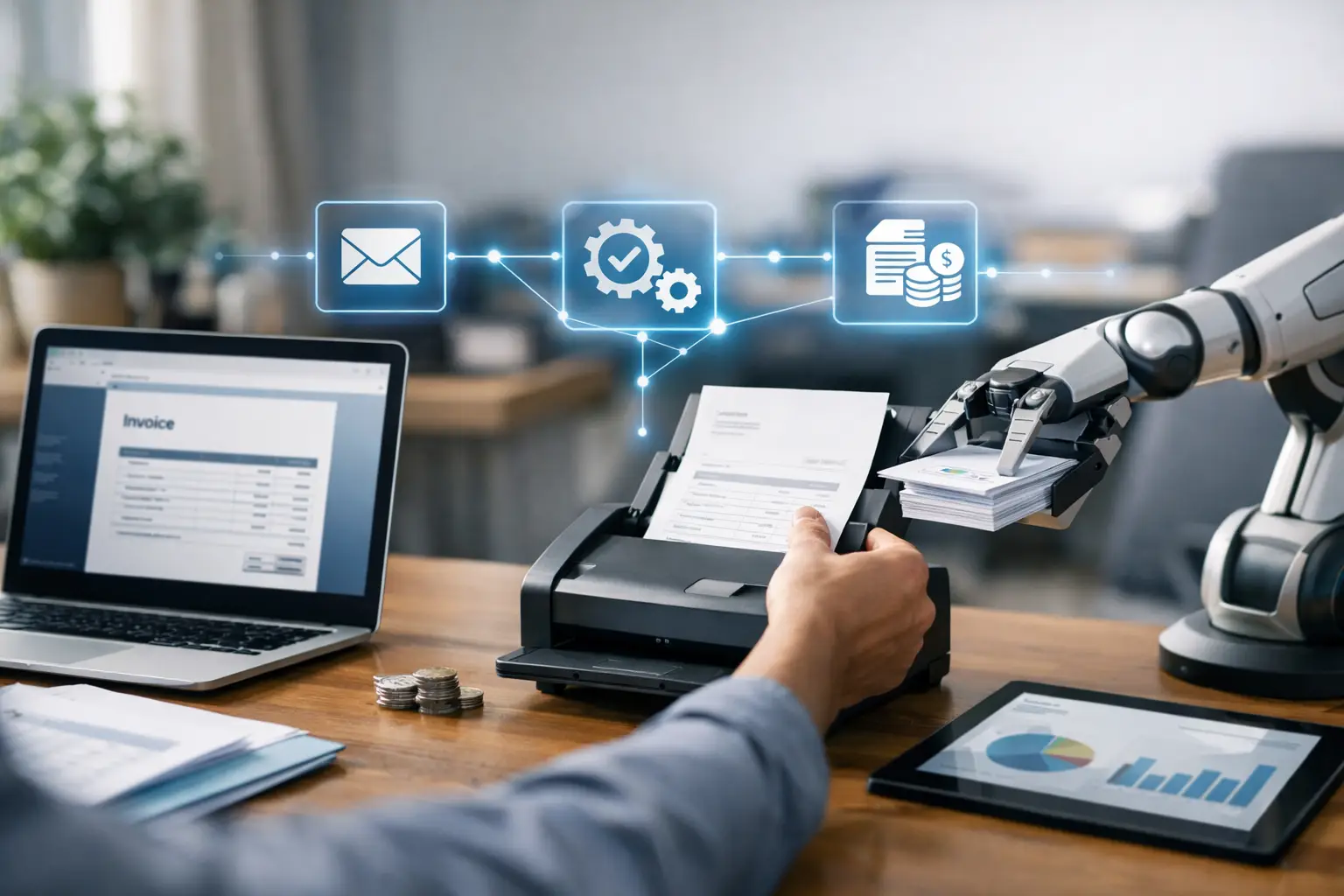
How to Automate Invoicing Process
A finance team notices the problem long before leadership does. Invoices sit in email threads, billing data gets copied from spreadsheets, approvals depend on who is in the office, and month-end takes longer than it should. If you are asking how to automate invoicing process steps, the real goal is not just sending bills faster. It is building a controlled workflow that improves cash flow, reduces errors, and gives your business a cleaner audit trail.
For small and midsize companies, invoicing is rarely isolated. It depends on sales orders, delivery status, contracts, pricing rules, tax settings, customer terms, and payment reconciliation. That is why partial automation often disappoints. You can automate invoice creation in one tool, but if the source data is still manual or disconnected, the bottleneck simply moves somewhere else.
What automation should actually fix
A useful invoicing workflow does more than generate a PDF. It should pull approved transaction data from upstream processes, apply the right customer terms and tax treatment, route exceptions for review, issue invoices on time, and feed the accounting records without duplicate entry. When done properly, automation reduces rework across sales, finance, and operations.
This matters most when volume increases. A business can survive with manual invoicing at low transaction counts, but growth exposes every weakness. Missed billing cycles delay collections. Incorrect invoice amounts trigger disputes. Poor document traceability creates compliance risk. Teams end up spending time fixing preventable mistakes instead of managing receivables.
How to automate invoicing process without creating new gaps
The safest approach is to automate from the transaction source, not from the final invoice document. In practical terms, that means looking at where billable events begin. For one company, that may be a sales order. For another, it may be a completed delivery, a service milestone, a subscription renewal, or a purchase-to-bill arrangement.
Start by mapping your current invoicing flow from trigger to payment posting. Identify who creates the invoice, where pricing comes from, how tax is applied, who approves exceptions, how the invoice is sent, and how payment is matched. Most businesses find that the delays are not caused by invoice generation itself. They come from missing master data, manual approvals, and disconnected systems.
Once the process is mapped, standardize the rules before you automate them. Automation works best when pricing structures, customer records, item codes, tax settings, and payment terms are consistent. If every invoice requires human interpretation, the software will have little to automate. Good process design comes first.
Then choose the automation trigger carefully. Some businesses should invoice immediately on order confirmation. Others should invoice only after goods are delivered or services are accepted. There is no single right answer. It depends on your commercial model, customer expectations, and compliance requirements. The key is to define a clear billing event and make the system respond to it automatically.
Build around integrated data, not isolated tools
Many invoicing problems begin with fragmented systems. Sales enters customer details in one platform, finance maintains billing records elsewhere, and inventory or fulfillment data sits in another application. The result is predictable: manual exports, duplicate entry, inconsistent records, and weak visibility.
An ERP-led approach is usually more effective because invoicing can pull directly from validated operational data. If the sales order, delivery note, pricing rules, stock movement, and customer account all sit inside one controlled environment, invoice generation becomes faster and more accurate. Finance teams also get better confidence in what has been billed, what is outstanding, and what needs attention.
This is where automation supports more than speed. It improves control. You can enforce approval thresholds, lock tax logic, keep document history, and maintain structured records for audit and reconciliation. For SMEs trying to scale without adding finance headcount at the same pace, that operational discipline matters.
The core workflow to automate
In most companies, the best invoicing automation includes five connected stages. First, the system captures a valid billing trigger such as an approved order, completed delivery, recurring schedule, or project milestone. Second, it applies customer-specific terms, pricing, discounts, and tax treatment from master data instead of manual input.
Third, it checks for exceptions. If the quantity does not match delivery, if the price falls outside an approved range, or if tax data is incomplete, the invoice should pause for review rather than move forward with bad data. Fourth, it generates and sends the invoice in the required format through the appropriate channel. Fifth, it posts the accounting entry and prepares the receivable for collection and reconciliation.
If any of those stages still rely heavily on manual intervention, you do not have full process automation yet. You have assisted invoicing. That can still be useful, but it is worth being honest about the difference.
Where businesses usually get stuck
The first issue is poor master data. Customer names may be duplicated, addresses outdated, payment terms inconsistent, or tax treatment applied differently across departments. Automation will expose these weaknesses quickly. That is frustrating in the short term, but valuable in the long term because the business finally sees what needs to be fixed.
The second issue is exception handling. Businesses often try to automate every case from day one and end up creating confusion. It is better to automate the standard 70 to 80 percent first, then design clear workflows for the exceptions. High-value accounts, contract-based billing, and mixed-delivery scenarios may need separate rules.
The third issue is document and compliance requirements. If your business must support e-invoicing standards, tax documentation, approval logs, or country-specific formats, those requirements need to be built into the system design. This is especially relevant for companies operating in Singapore, where InvoiceNow and Peppol readiness can be part of the invoicing decision, not an afterthought.
What to look for in an invoicing automation system
The right system should connect invoicing to sales, inventory, purchasing, and accounting rather than treat billing as a standalone task. It should support recurring and transaction-based invoicing, approval workflows, customer-specific rules, credit notes, tax handling, and real-time reporting on receivables.
Just as important, it should make exceptions visible. A good platform does not hide failed transactions or force teams to search through email for missing approvals. It surfaces blocked invoices, validation issues, and overdue receivables so finance can act quickly.
For growing SMEs, implementation practicality matters as much as feature depth. A solution that is technically capable but difficult to deploy will delay results. A platform such as A2000ERP is designed around this balance: structured finance and operational workflows, real-time visibility, and support for compliance-driven invoicing requirements without enterprise-level complexity.
Measuring whether automation is working
Do not judge success only by how many invoices are generated automatically. Measure billing cycle time, invoice error rate, dispute frequency, days sales outstanding, and time spent on reconciliation. If automation is working, finance should spend less time preparing invoices and more time managing exceptions, collections, and cash flow.
Month-end should also improve. When invoicing flows directly into accounting records with proper controls, revenue recognition, receivables review, and reporting become easier to manage. That creates better financial visibility for leadership and more confidence in the numbers.
A practical rollout approach
Begin with one invoicing stream that has repeatable rules, such as standard sales orders or recurring customer billing. Clean the customer and item data, define approval conditions, and test the workflow end to end. Once the process is stable, expand to more complex scenarios like partial deliveries, milestone billing, or multi-entity operations.
This phased approach is usually faster than trying to redesign every billing case at once. It reduces disruption, helps users adopt the system properly, and gives the business early proof of value. That matters when internal teams are already busy and skeptical of large process changes.
The companies that get the most from automation treat invoicing as part of a larger operational system, not an isolated finance task. When billing is connected to real-time business activity, you get more than faster invoices. You get better control over revenue, receivables, and decision-making – which is exactly where sustainable growth starts.
